5.00
(2 Ratings)

Microsoft Excel for The Workplace: CPD Level 1 Beginner

Categories: Excel, Featured, Microsoft 365
Wishlist Share

About Course

Start Your Excel Journey with Confidence!

Unlock the power of Microsoft Excel with our comprehensive, CPD Certified, Level 1 Beginner course. Designed for newcomers, this course walks you step-by-step through Excel’s core features, from navigating the interface and managing worksheets to creating formulas, formatting data, and crafting professional charts. By the end, you’ll have the knowledge and skills to operate Excel efficiently at a workplace standard, empowering you to tackle real-world tasks with ease and precision.

What Will You Learn?

  • Navigate the Excel interface with confidence
  • Create and manage workbooks and worksheets
  • Enter, edit, and organize data efficiently
  • Format data clearly and professionally
  • Use basic formulas and essential functions
  • Sort, filter, and work with tables
  • Create charts and visuals
  • Prepare, share, and print Excel workbooks

Course Content

Introduction

Topic 1 – The Excel Interface
In this topic, we’ll explore key parts of the Excel interface: the Backstage View, the Ribbon, and the Worksheet Interface—essential for navigating Excel efficiently.

Topic 2 – Creating and modifying worksheets and workbooks
In this topic, you will learn the essential skills needed to create, modify, and manage worksheets and workbooks in Excel.

Topic 3 – Rows, columns, and cells
In this topic, you will learn how to work with the fundamental elements of Excel—rows, columns, and cells. We will explore how these building blocks interact to organize and store data.

Topic 4 – Formatting and styling data
In this topic, you will learn how to format and style your data to make your Excel worksheets more visually appealing and easier to understand.

Topic 5 – Copying and pasting data
In this topic, you will learn how to efficiently copy, cut, and paste data in Excel using various methods. These essential skills will help you manage and rearrange data in your worksheets with ease.

Topic 6 – Finding and replacing data
In this topic, you will learn how to efficiently locate and modify data within your Excel worksheets using the Find and Replace features.

Topic 7 – Basics of formulas and functions
In this topic, you will learn how to create and work with formulas and functions in Excel, which are essential for performing calculations and analyzing data.

Topic 8 – Autofill
In this topic, you will learn how to use Excel’s Autofill feature to automatically extend data, fill series, and apply formulas across multiple cells.

Topic 9 – Working with data and tables
In this topic we will equip you with the essential skills to manage your data, by using features like sorting, filtering, and Excel tables.

Topic 10 – Charts and images
In this topic, you will learn how to create, modify, and format charts in Excel to effectively present data visually. You’ll also explore how to insert and customize images and shapes, enhancing your worksheets with clear, professional-looking visual elements.

Topic 11 – Viewing data
In this topic, you will learn how to adjust and optimize the way you view data in Excel, ensuring accessibility and efficiency when working with large worksheets. You’ll explore various zooming techniques, workbook views, navigation tools, and the freeze panes feature to enhance your ability to interact with and manage your data effectively.

Topic 12 – Page setup and printing
In this topic, you will learn how to set up and print Excel workbooks effectively by adjusting key page and print settings. From configuring page layout options to fine-tuning print settings, you will gain the skills needed to ensure your worksheets print exactly as intended.

Topic 13 – Sharing workbooks
In this topic, you will learn how to export Excel workbooks to different file types, such as PDFs and text files, collaborate with others by granting workbook access and creating shareable links, and use comments for clear communication with your colleagues.

Topic 14 – Getting help
Topic 14 focuses on using Excel's built-in support tools to find help when needed. You’ll learn how to use the search bar to locate data, commands, and online resources, and explore the help pane for function guides, support options, and feedback features.

Conclusion

Earn a CPD certificate

Complete the course and receive a CPD-accredited certificate to showcase your professional development.
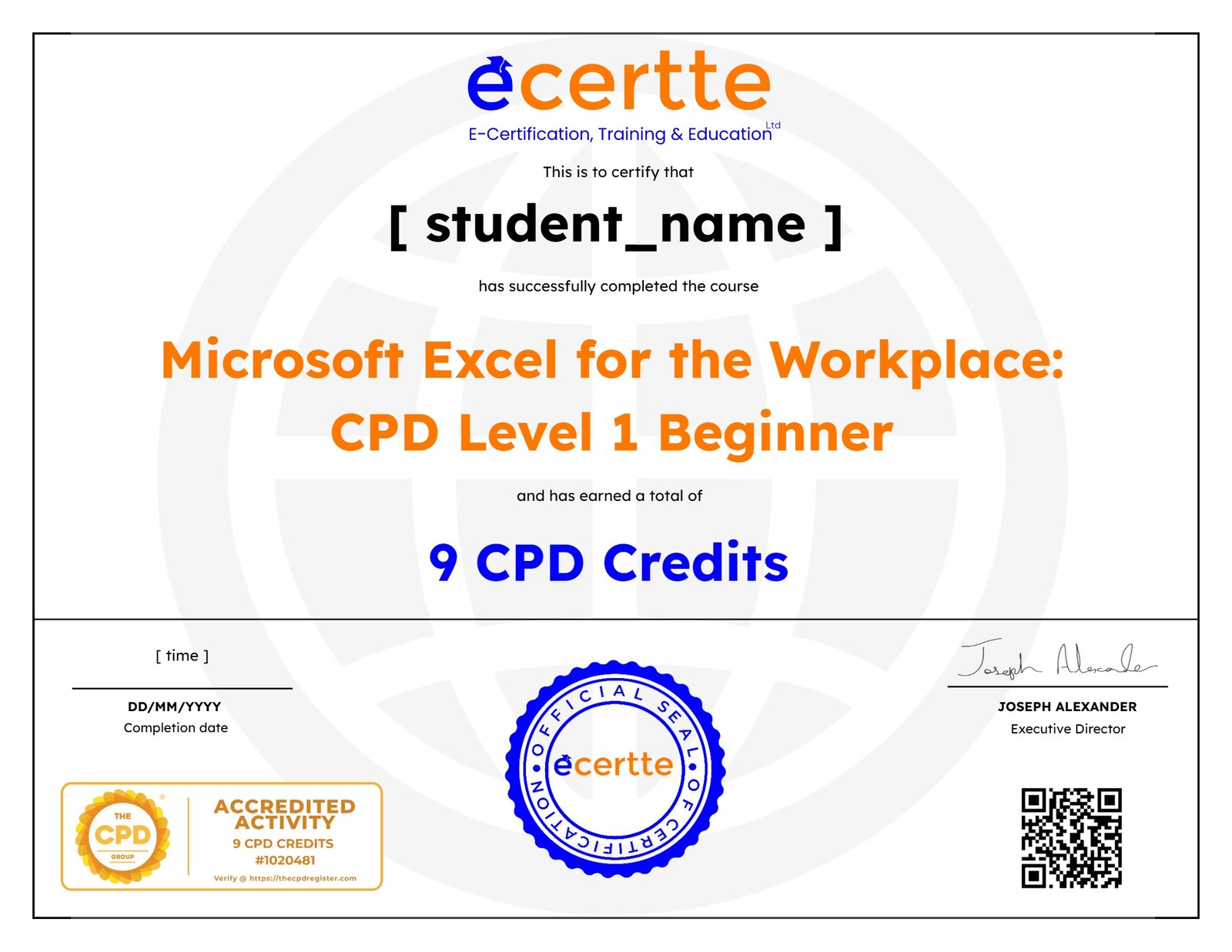
selected template

Student Ratings & Reviews

5.0
Total 2 Ratings
5
2 Ratings
4
0 Rating
3
0 Rating
2
0 Rating
1
0 Rating
MB
7 days ago
Really Great course on the fundamentals, from being able to complete it at your own pace, to the easy-to-follow videos; it's perfect for my working schedule.

Although I'm familiar with Excel through work, school, and church, I was surprised by how many more tools and features i can use, which has helped me bountifully.

Would highly recommend it for anyone getting started with Excel or wanna improve their efficiency and get accredited certification.
Shanyce Bethel
7 days ago
What I appreciated most about this course is how granular and thoughtfully structured the explanations are. It lays such a solid foundation that the course felt like building a house brick by brick, with each lesson serving as the perfect precursor to the next.
The explanations are clear, simple, and easy to follow, with helpful video illustrations that make the concepts even easier to understand. It provides all the necessary information without unnecessary frills or distractions.
This course was well-structured, practical, engaging, and incredibly easy to follow. I especially appreciated the attention to detail and the way each concept was broken down before moving on to the next. I would highly recommend this course to anyone looking to build a strong and confident foundation in Excel.
5 stars without hesitation!

Want to receive push notifications for all major on-site activities?